---
title: Comparing Numbers
---
# #18. Comparing Numbers
Note
This is a web-version of a tutorial chapter embedded right into the XOD IDE.
To get a better learning experience we recommend to
install the IDE, launch it, and you’ll see the
same tutorial there.
Now, let's learn how to work with conditionals in XOD.
We will measure a lightness level, and if the values exceed or are below the
threshold, we will turn an LED on or off.
XOD has `greater`-than and `less`-than nodes to do simple
mathematical comparisons. They are in `xod/core`.
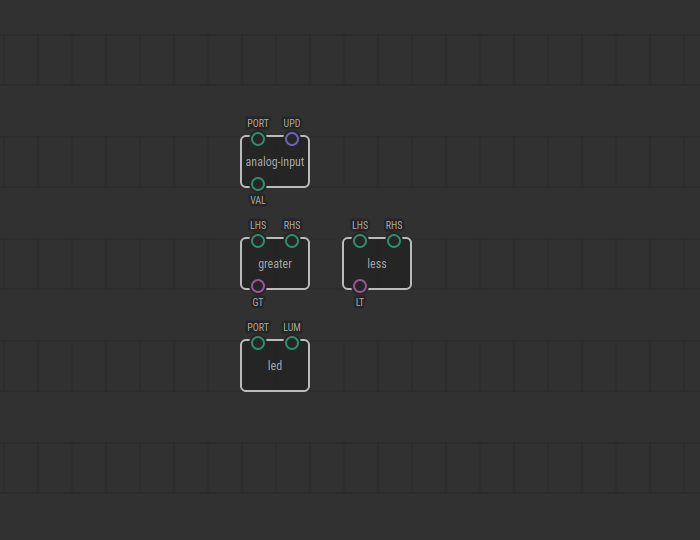
The `LHS` and `RHS` pins receive numbers to compare, and output pins return
the comparison result expressed as a boolean value (true or false).
## Test circuit
Note
The circuit is the same as for the previous lesson.

[↓ Download as a Fritzing project](./circuit.fzz)
## How-to
* Place a `xod/core/less` (or `greater`) node to trigger an action when
a measured parameter goes under (or over) a threshold value.
* Use the `LHS` pin to link the value measured.
* Set the threshold as the `RHS` pin value.
* In cases where figuring out the proper threshold is tricky use a value
from a potentiometer to adjust it dynamically.

In the example shown, if the `analog-input` node (our photoresistor) returns a
value greater than the threshold, the `greater` node will set the `GT` pin to
`true`, and the LED will turn on.
[Next lesson →](../19-if-else/)